• Browse Activities
  • Explore the Area
  • What’s On Today
  • Our Projects
  • About
    • About Well One
    • Stories
    • Our Partners
    • Contact Us
  • Home
  • Campaigns
  • Tap Into Health

Stories

Tap Into Health

Tap Into Health header image

Not everyone finds it easy to manage their health online. More and more GP surgeries and health services now use apps and digital systems, and if you’re not used to that, it can feel confusing or frustrating, especially when you’re used to speaking to someone directly.

Tap into Health was a series of free, drop-in sessions held in community spaces across east Tower Hamlets, offering friendly, practical help with smartphones, tablets and the NHS App. No pressure, no jargon, just someone sitting alongside you and helping you figure it out at your own pace.
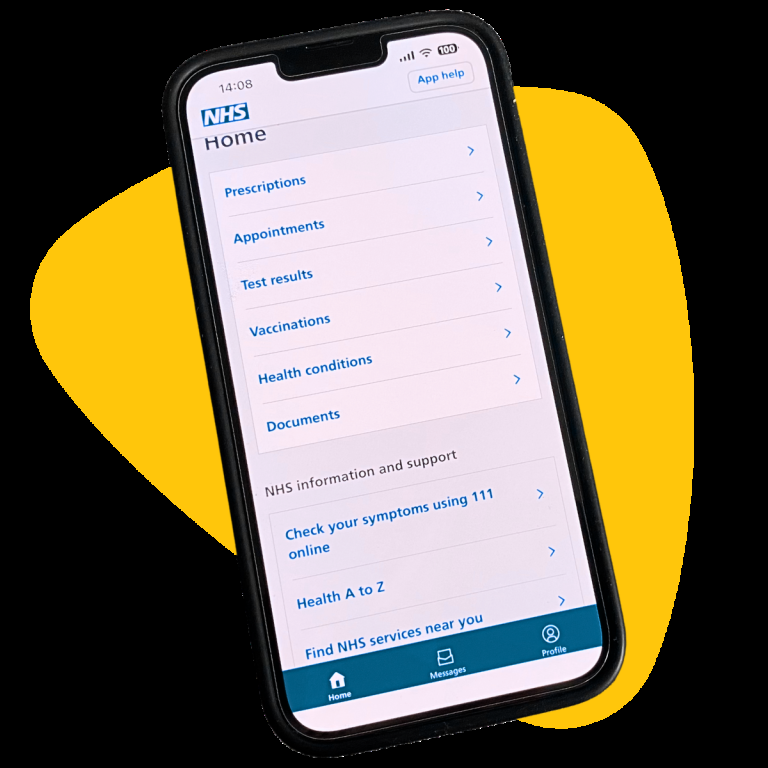
Image of a mobile phone showing the NHS App

What is the NHS App for?

The NHS App is a free service that lets you manage your health using your phone or tablet.

It is now widely used by GP surgeries, allowing you to do things like book appointments, order prescriptions, and view parts of your health record – without needing to wait on the phone.

At Tap into Health sessions, you can get help learning how to set up and use the app in a simple, step-by-step way, and build confidence using your phone to access online services more generally.

Getting started

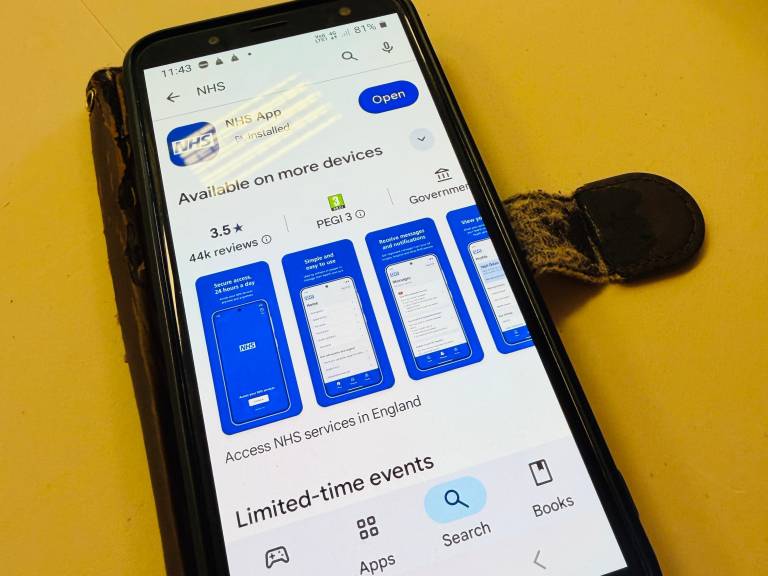
You can download the NHS App for free from your phone’s app store. Search for “NHS App” and look for the official NHS logo or use App Store or Google Play links below.

To set up the app, you will be asked to create an account using your email address and mobile number.

You may also be asked to confirm your identity. This can involve taking a photo of your ID (such as a passport or driving licence) and a short video of yourself. This step helps keep your information safe.

If you do not have ID, or if any part of this feels difficult, don’t worry. There are other ways to get set up, and support is available.
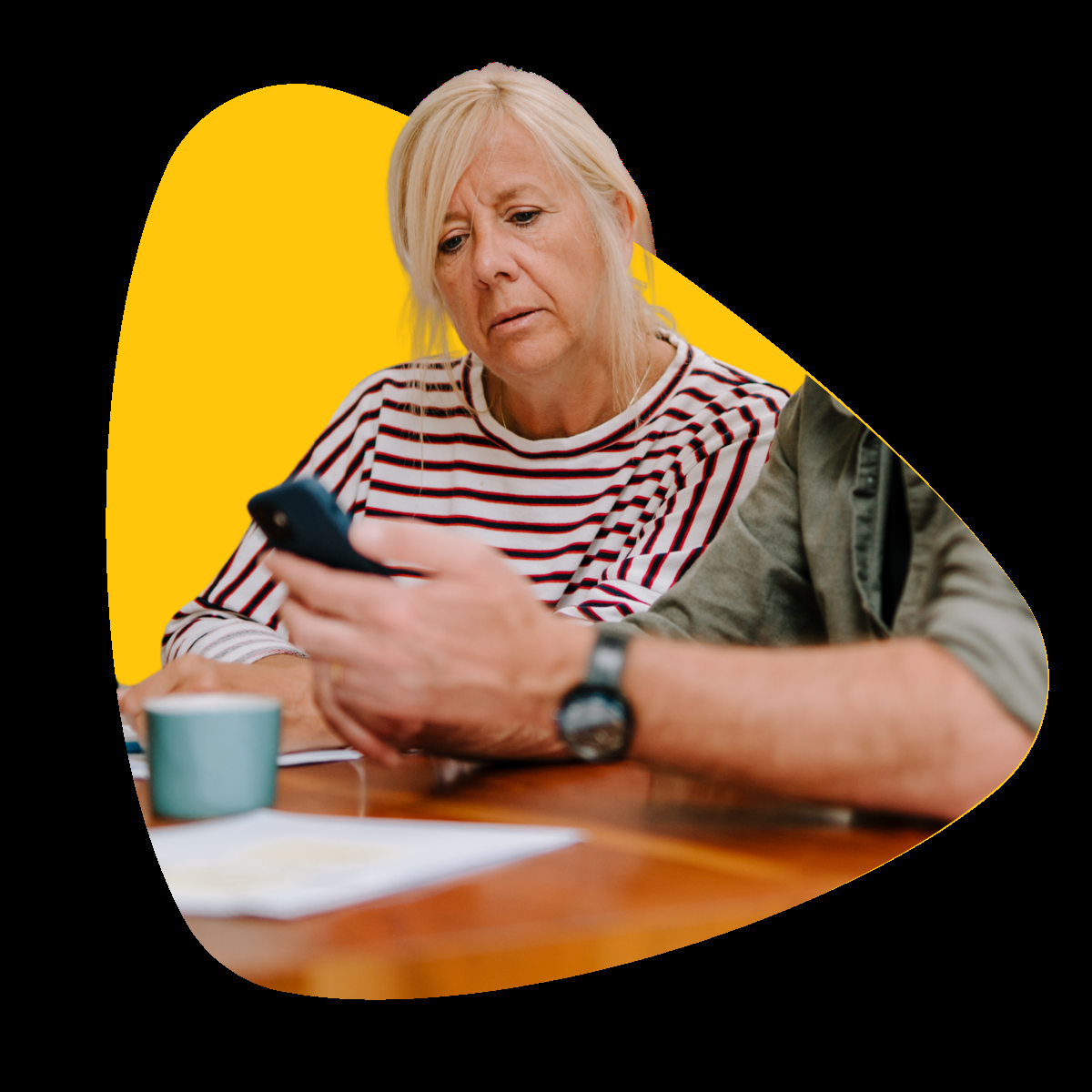
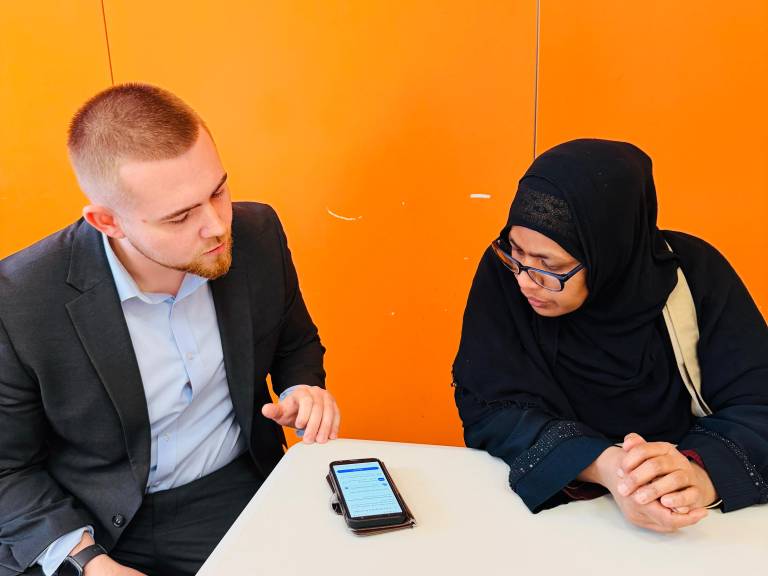
Image of a woman being guided on using apps on her phone

Useful links to help you get started

NHS App information

Use the NHS App to manage your healthcare using a phone, tablet or computer.

NHS Account

Find out how to set up an NHS Login Account.

Troubleshooting

Find out how to use the NHS App and get help with any problems you might be having.

Staying safe online

It’s important to take your time when using health apps and online services. Only use information and links you trust.

If you receive a text message about your health, and you’re not sure if it’s genuine, don’t click on any links. Go directly to the official NHS App or NHS website instead.

The NHS will never ask for your password or bank details by text, phone or email.

If something just doesn’t feel right, you can check with your GP surgery or bring it along to a Tap into Health session.
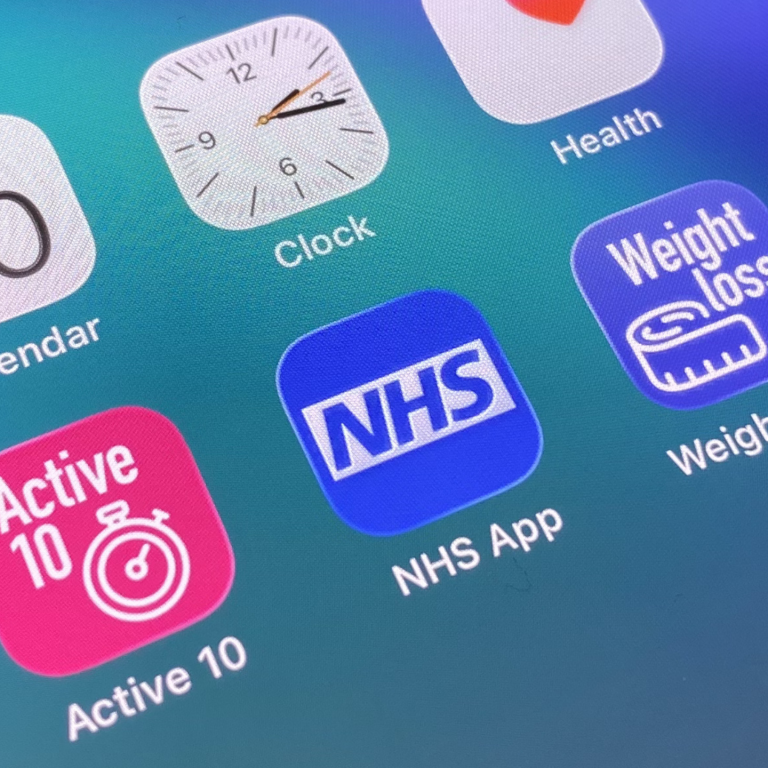
Close up of a phone showing various health apps

Exploring other helpful apps and websites

Once you feel more confident using your phone, there are other trusted apps and websites that can support your health and wellbeing.

The NHS website is a good place to start, with clear information about health conditions, and medications.

There are also free apps from the NHS to support everyday health. For example, the NHS Weight Loss Plan offers simple guidance to build healthier eating habits, the NHS Couch to 5K helps beginners get into running, and there’s even a selection of home exercise videos with workouts suitable for all fitness levels.

Tap Into Health at Bernie Cameron Centre, Bow
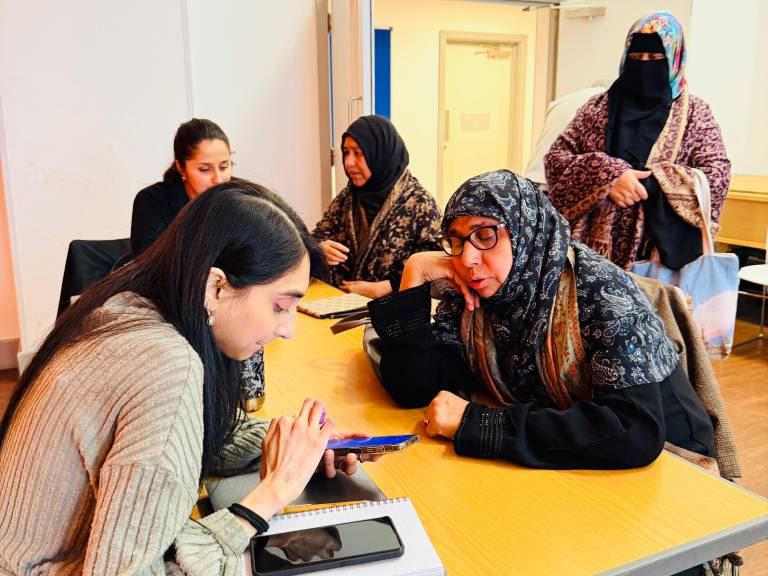
A group of women at Bernie Cameron Centre being shown by a Well One team member how to set up the NHS App on her phone.
A Tap Into Health volunteer demonstrates how to use the NHS App to order repeat prescriptions
A screen showing somebody downloading the NHS App
A Tap Into Health volunteer helps somebody to set up an NHS App account

It's straightforward once someone shows you. And it means I don't have to keep ringing up for things I can now do myself.

My doctor told me I should try to lose some weight. She showed me there is an app for this. At the session they helped me to download it and set it up. I didn't know you could do so much on your phone for your health. Now I use it to order my repeat prescription too. It is easier than calling.

Peter - Bow, E3
Maryam - Bow, E3

The Tap Into Health drop-in sessions are delivered by expert tech volunteers from ELBA’s Digital Inclusion programme and The Hive Employment & Training Digital Champions. With special thanks to Trapped in Zone One for their generous support with digital devices and data.

Watch this space

Sessions have wrapped for now, we’re exploring bringing them to new venues including community groups and GP practices, follow us for updates.

A collage of various health related objects - blood pressure machine, fruit, weights, healthy food
An older woman getting digital skills help on a laptop
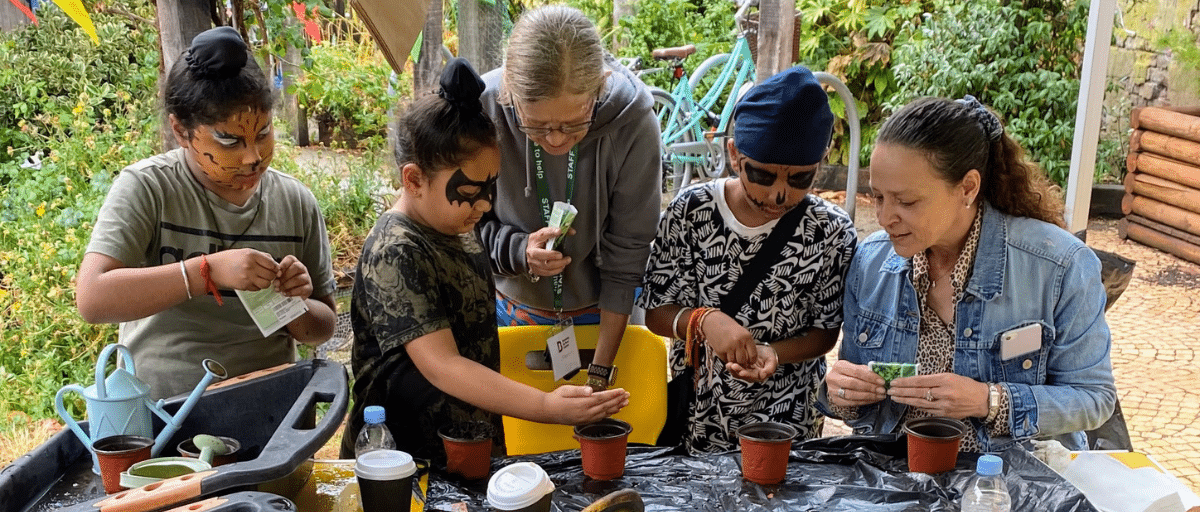
Two women are helping a group of young boys to plant seeds in a pot
Crossing numbers off a bingo card at Lucky Lines bingo in Poplar

Awareness on the Prevention of Long Term Conditions

Prevention starts with awareness.

Digital Drop-in

Help and support to use internet services.

Gardening Group – Bromley By Bow Centre

Nurturing nature, cultivating community!

Lucky Lines!

Seniors club bingo sessions at Aberfeldy Health and Wellbeing Centre
Read More

Footer Menu Left

Footer Menu Right

Become a Partner

©2026 Poplar Housing and Regeneration Community Association Limited is a Charitable Registered Society under the Co-operative and Community Benefit Societies Act 2014 (7726) | Privacy Policy | Cookie Policy | Terms & Conditions | Manage Consent

We use information collected through cookies and similar technologies to improve your experience on our site, analyse how you use it and for marketing purposes.

Privacy Policy

Your privacy settings

We and our partners use information collected through cookies and similar technologies to improve your experience on our site, analyse how you use it and for marketing purposes. Because we respect your right to privacy, you can choose not to allow some types of cookies. However, blocking some types of cookies may impact your experience of the site and the services we are able to offer. In some cases, data obtained from cookies is shared with third parties for analytics or marketing reasons. You can exercise your right to opt-out of that sharing at any time by disabling cookies.

Privacy Policy

Manage Consent Preferences

Necessary

Always ON

These cookies and scripts are necessary for the website to function and cannot be switched off. They are usually only set in response to actions made by you which amount to a request for services, such as setting your privacy preferences, logging in or filling in forms. You can set your browser to block or alert you about these cookies, but some parts of the site will not then work. These cookies do not store any personally identifiable information.

Analytics

These cookies and scripts allow us to count visits and traffic sources, so we can measure and improve the performance of our site. They help us know which pages are the most and least popular and see how visitors move around the site. All information these cookies collect is aggregated and therefore anonymous. If you do not allow these cookies and scripts, we will not know when you have visited our site.

Marketing

These cookies and scripts may be set through our site by our advertising partners. They may be used by those companies to build a profile of your interests and show you relevant adverts on other sites. They do not store directly personal information, but are based on uniquely identifying your browser and internet device. If you do not allow these cookies and scripts, you will experience less targeted advertising.